Receiving Execution
Verify inbound shipments, returns, packages, and deliveries before discrepancies enter backend systems. PackageX guides the workflow, validates documents, POs, quantities, and condition, captures OS&D and returns evidence, and sends trusted receipt data to your ERP, WMS, or TMS.
Breakdowns
Where receiving breaks
Receiving is where inventory accuracy begins.
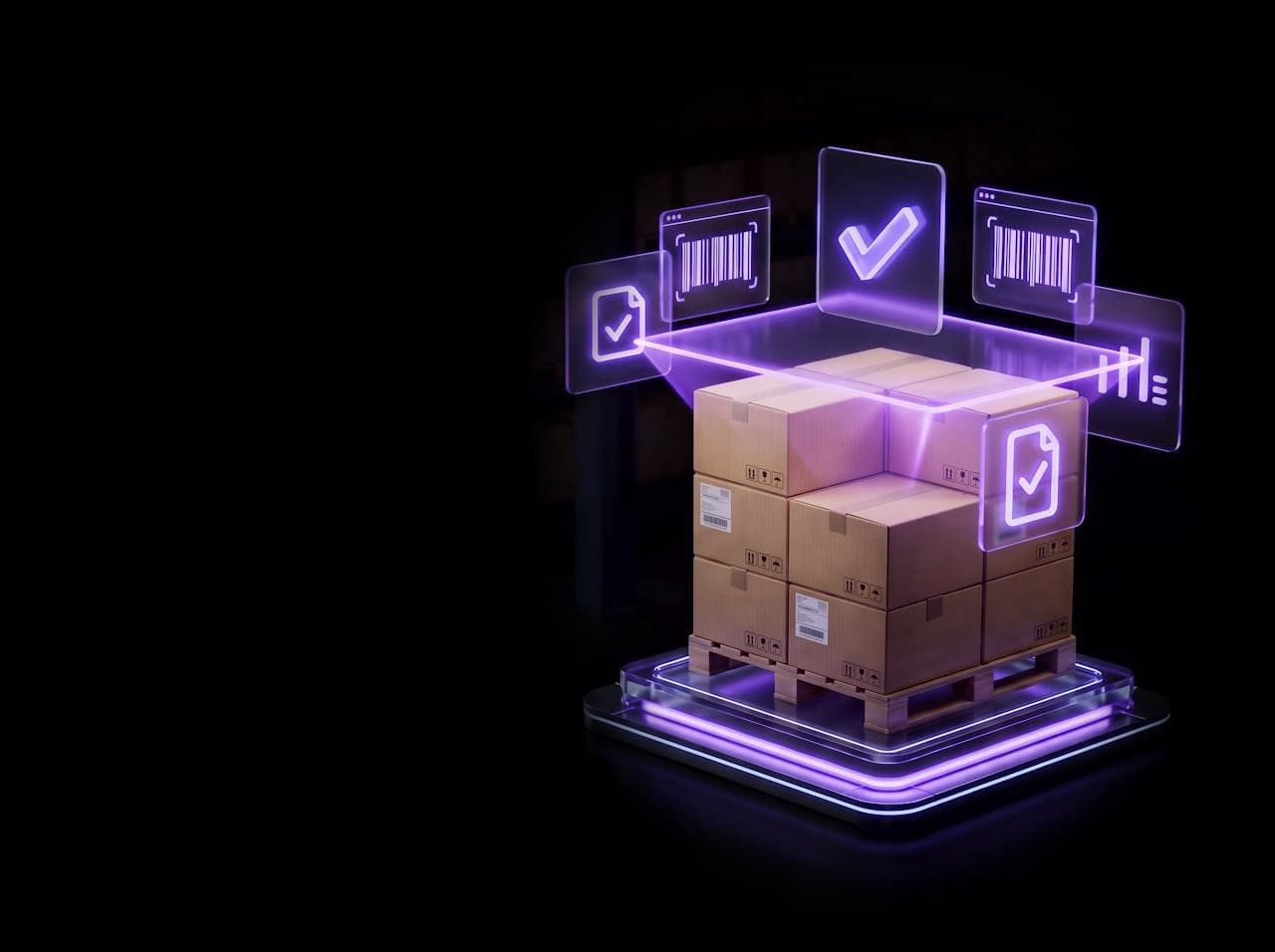
When inbound shipments or returns are not verified at receipt, errors move into inventory, billing, and downstream operations.
PackageX verifies receiving at the point of receipt.
COMMON BREAKDOWNS
- Counts are inconsistent
- Damage is captured late
- Documents are incomplete
- Returns lack condition evidence
- Put-away happens before discrepancies are resolved
- Backend systems receive assumed receipt data
Core workflows
Core receiving workflows
Receiving runs in three stages. Every workflow is guided in the PackageX App, verified by Vision AI, and recorded as evidence at the point of receipt.
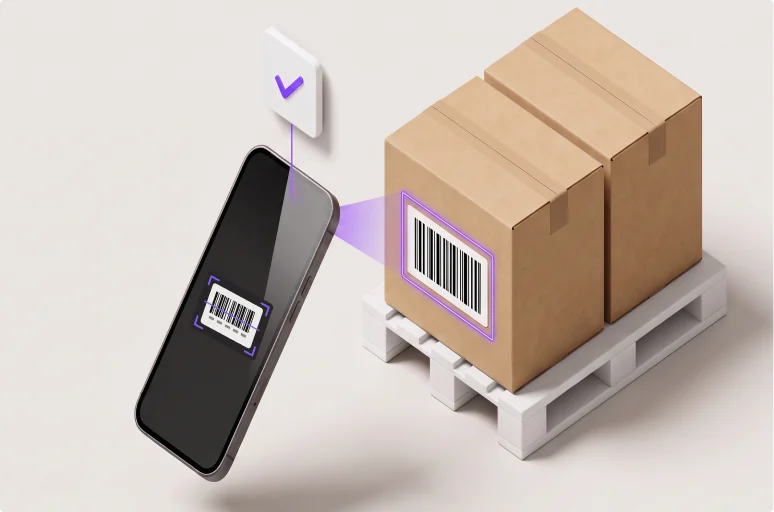
STAGE 01
Arrival and verification
Inbound is identified and matched against expected records.
Inbound shipment verification
Match inbound shipments against the order and expected records.
PO receiving
Verify inbound materials against purchase orders, packing slips, quantities, and condition.
Package and delivery receiving
Capture inbound packages, deliveries, labels, recipients, and receiving evidence.
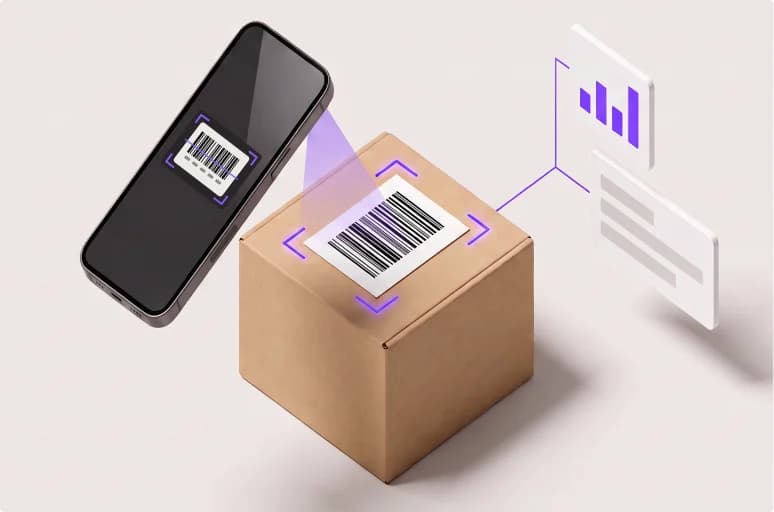
STAGE 02
Capture and validation
Documents, counts, and exceptions are captured at receipt.
Document capture
Capture and validate BOLs, packing slips, and shipment paperwork.
Count validation
Verify pallet counts, carton counts, and received quantities.
OS&D capture
Document overages, shortages, and damage at receipt.
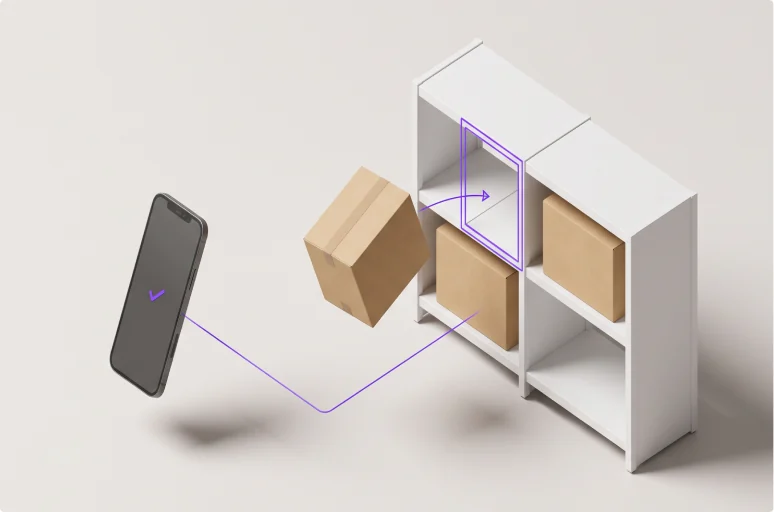
STAGE 03
Disposition and put-away
Material is routed, placed, and confirmed before it moves on.
Returns intake
Capture return condition, reason, evidence, and disposition routing.
Put-away validation
Verify location, completion, and exceptions before inventory moves downstream.
Verification
Verification happens at the point of work.
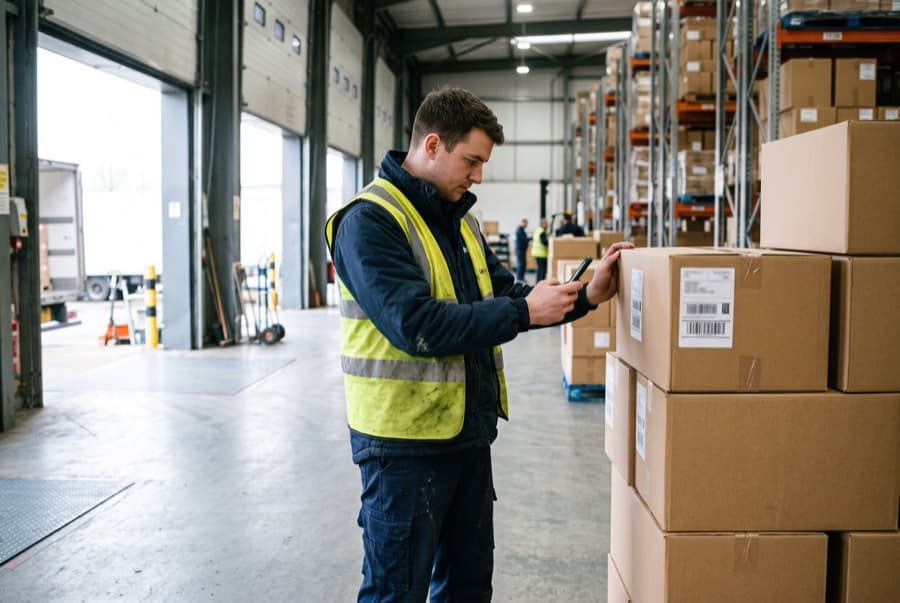
Identity
Is this the shipment we expected?
- Shipment reference
- PO or order details
- BOL
- Packing slip
- Package label
- Delivery recipient
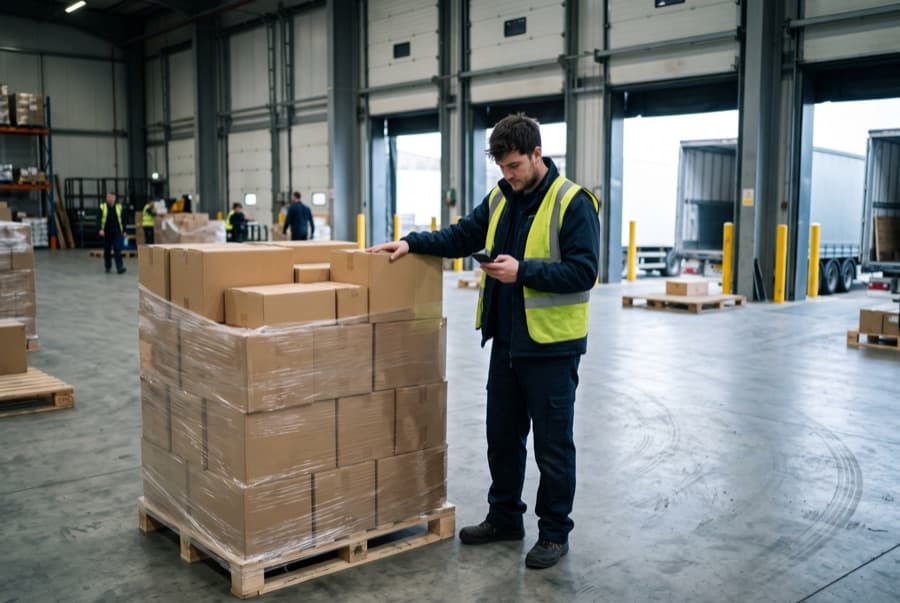
Quantity
Did the expected amount arrive?
- Pallet count
- Carton count
- Quantity received
- Item or SKU
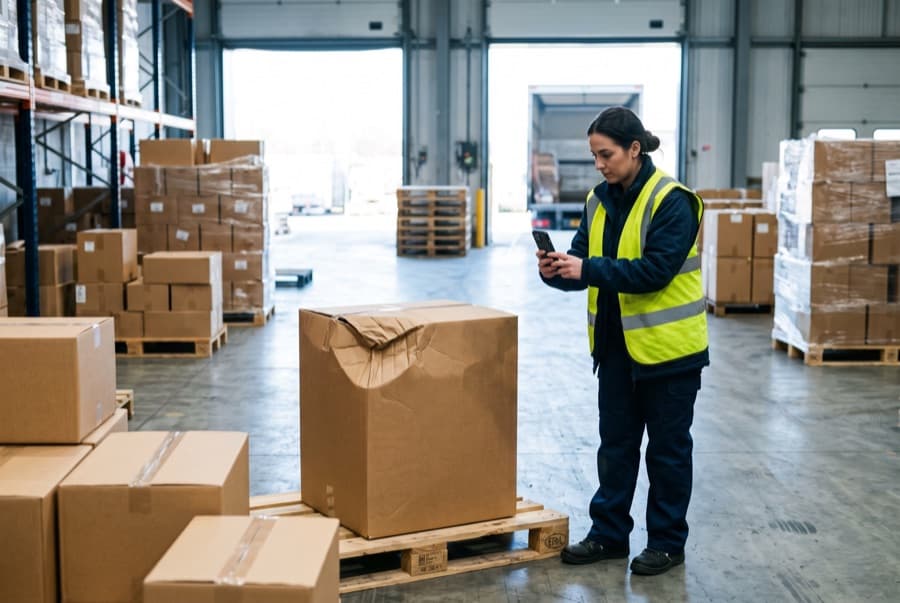
Condition
Did it arrive intact?
- Damage or shortage
- Return condition
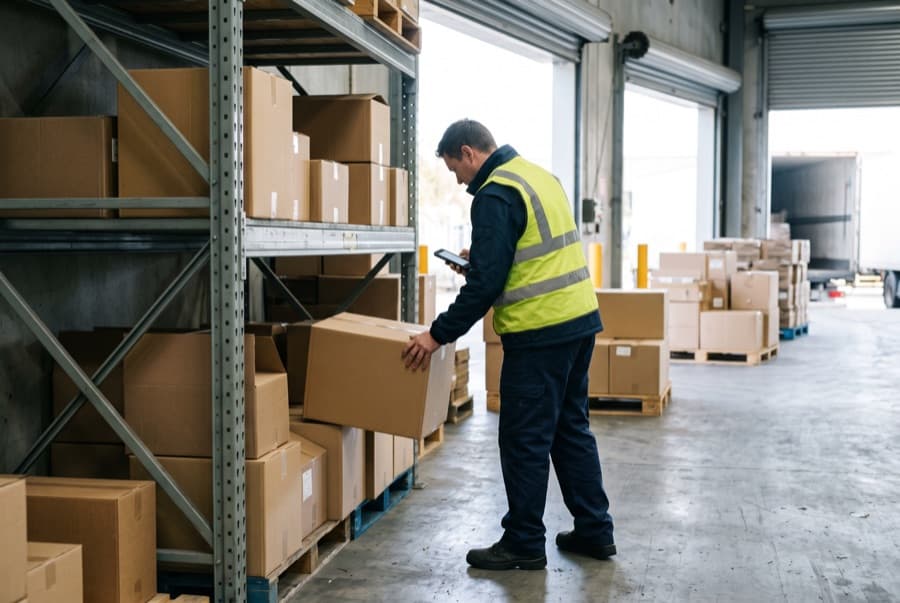
Completion
Did it reach the right place?
- Receiving location
- Return disposition
- Put-away completion
Evidence captured
Every check leaves a record.
Evidence is created during execution and travels with the receipt into backend systems, so the record of what arrived is the record the business runs on. It supports inventory accuracy, package receiving, returns management, compliance, dispute resolution, and downstream reconciliation.

Images
Photos of the shipment and its condition, captured in the workflow.

Label and barcode scans
Scanned labels and barcodes tie the receipt to the shipment.

Documents
BOLs, packing lists and delivery paperwork captured at receipt.

Timestamped actions
Every step recorded with the time it happened, including recipient confirmation.

Exceptions
Damage, shortages and mismatches recorded as they are found.
Operational Impact
What changes at receipt

Improve receiving accuracy
Catch discrepancies before they enter inventory.

Reduce manual work
Replace paper checks and duplicate data entry.

Stop errors earlier
Verify inbound and return workflows before work moves downstream.
Create evidence of receipt
Capture evidence at the point of work.
Platform
How the platform powers this
Receiving execution runs on the same platform layer as every other zone: configured once, executed at the point of work, verified by Vision AI.
Get a Demo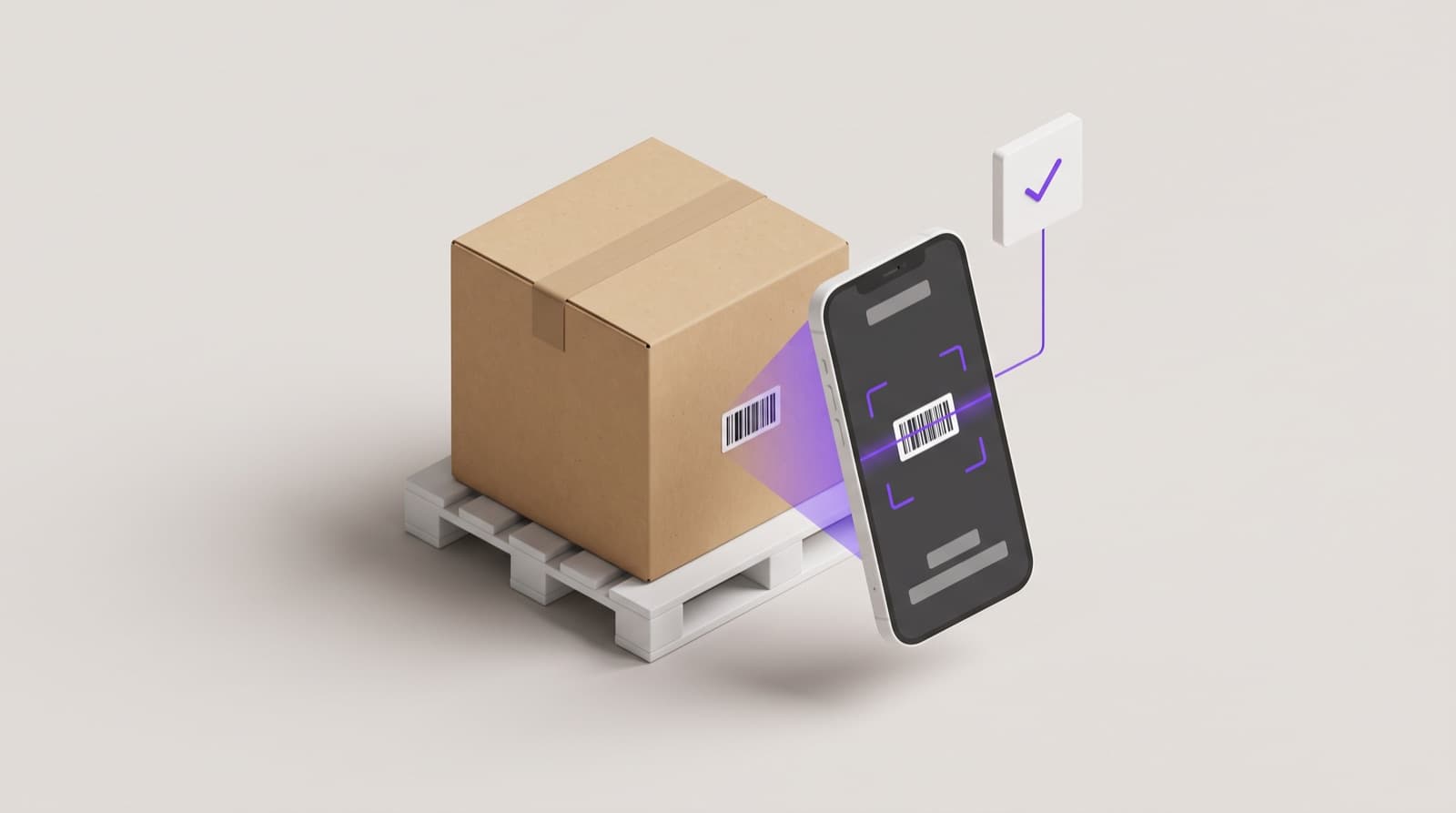
Execution Model
Understand why receiving must be verified at the point of work.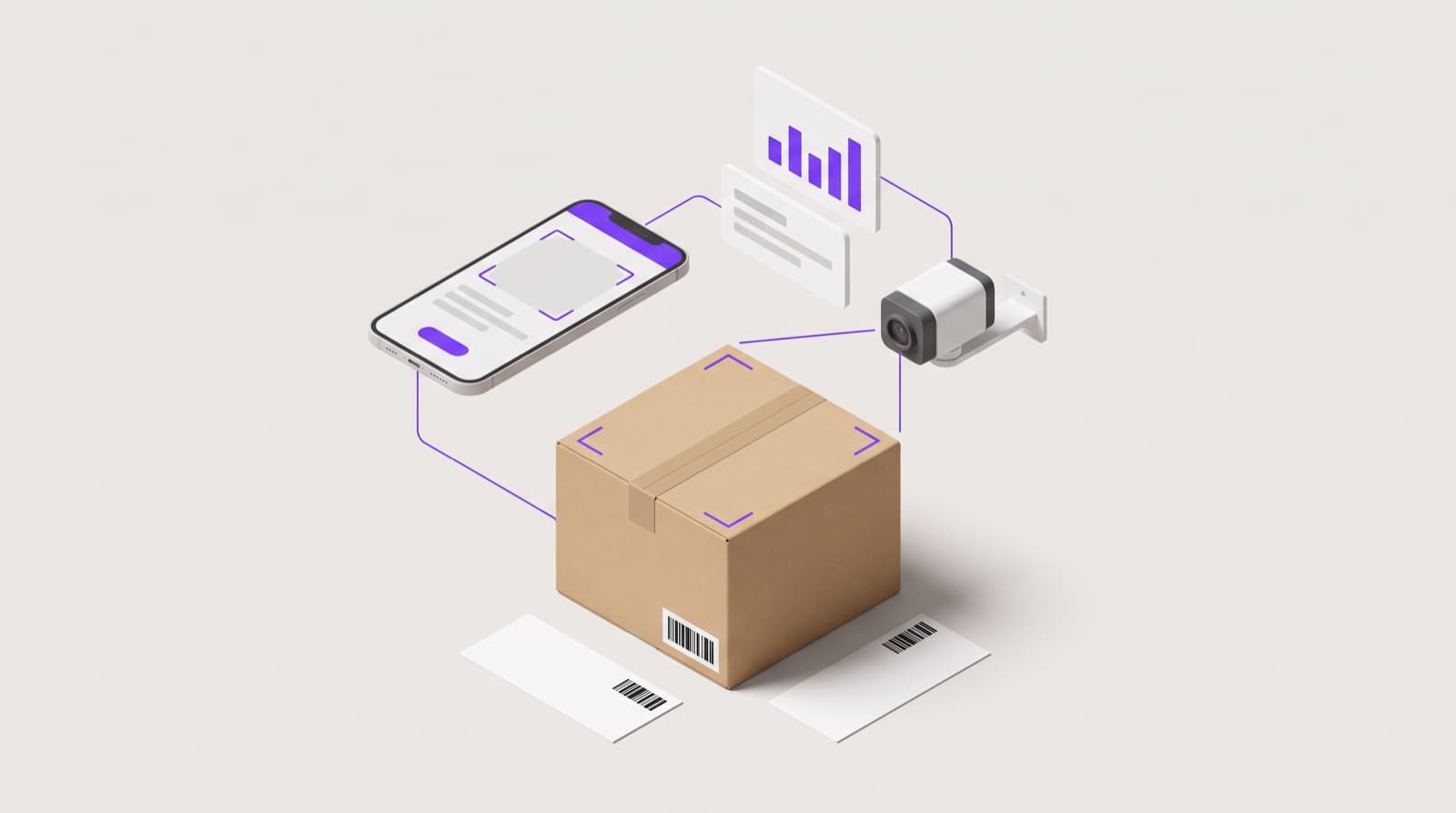
Platform System
See how PackageX App, Vision AI, verification, evidence, and backend system connections power receiving execution.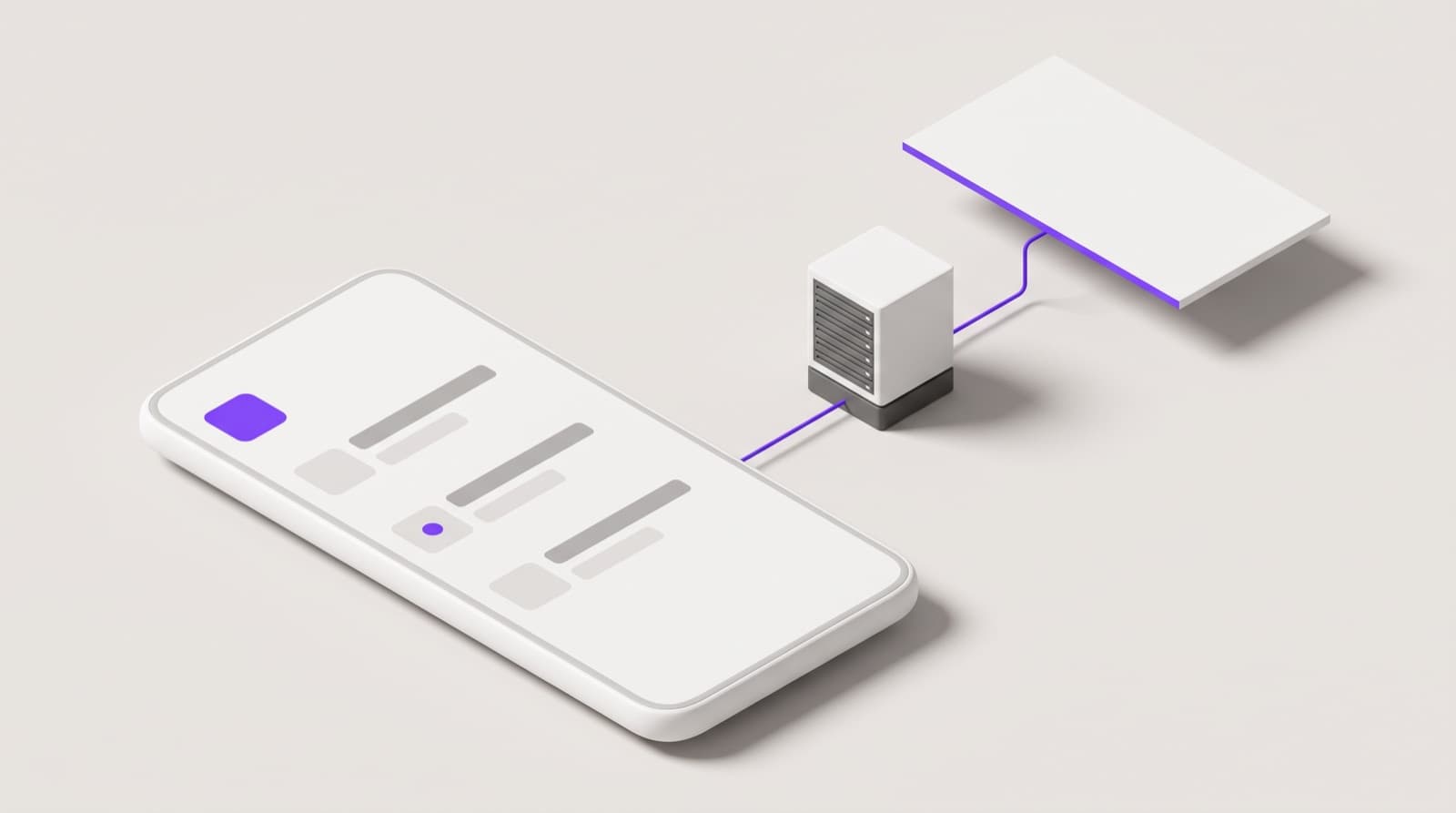
Execution Infrastructure
See how receiving software workflows run on handheld devices, on-prem infrastructure, or cloud.Relevant industries