Is your inbound receiving keeping up with 2026?
Many businesses still spend an average of $20 to file a single document, $120 to track down a misplaced one, and $220 to reproduce it entirely.
Traditional receiving operations have long struggled with inefficiencies, misplaced documents, and slow processing times. As the volume of paper and digital correspondence grows, intake teams can't keep pace.
This is where digital inbound receiving automation steps in. By replacing manual processes with AI-driven solutions, businesses can cut processing costs by 50% or more. It can also reduce human errors and improve document accessibility.
The shift is already underway. McKinsey's 2026 State of AI survey found that nearly nine in ten organizations now report regular AI use in at least one business function, and 56% run it across three or more, up from 51% a year earlier. The market for these services reflects the same momentum, projected at $1.62 billion in 2026 and on track to reach $3.29 billion by 2035 at an 8.27% CAGR.
This shift is transforming how organizations manage communication, ensuring that critical information reaches the right people without delays. As businesses continue to modernize, automating intake becomes a necessity.
How Receiving Automation Works and Why It Matters
The move from manual mail processing to automated intake has changed how organizations handle incoming and outgoing documents. Automation simplifies the work by converting physical mail into a digital format, which reduces delays and lowers the risk of lost documents.
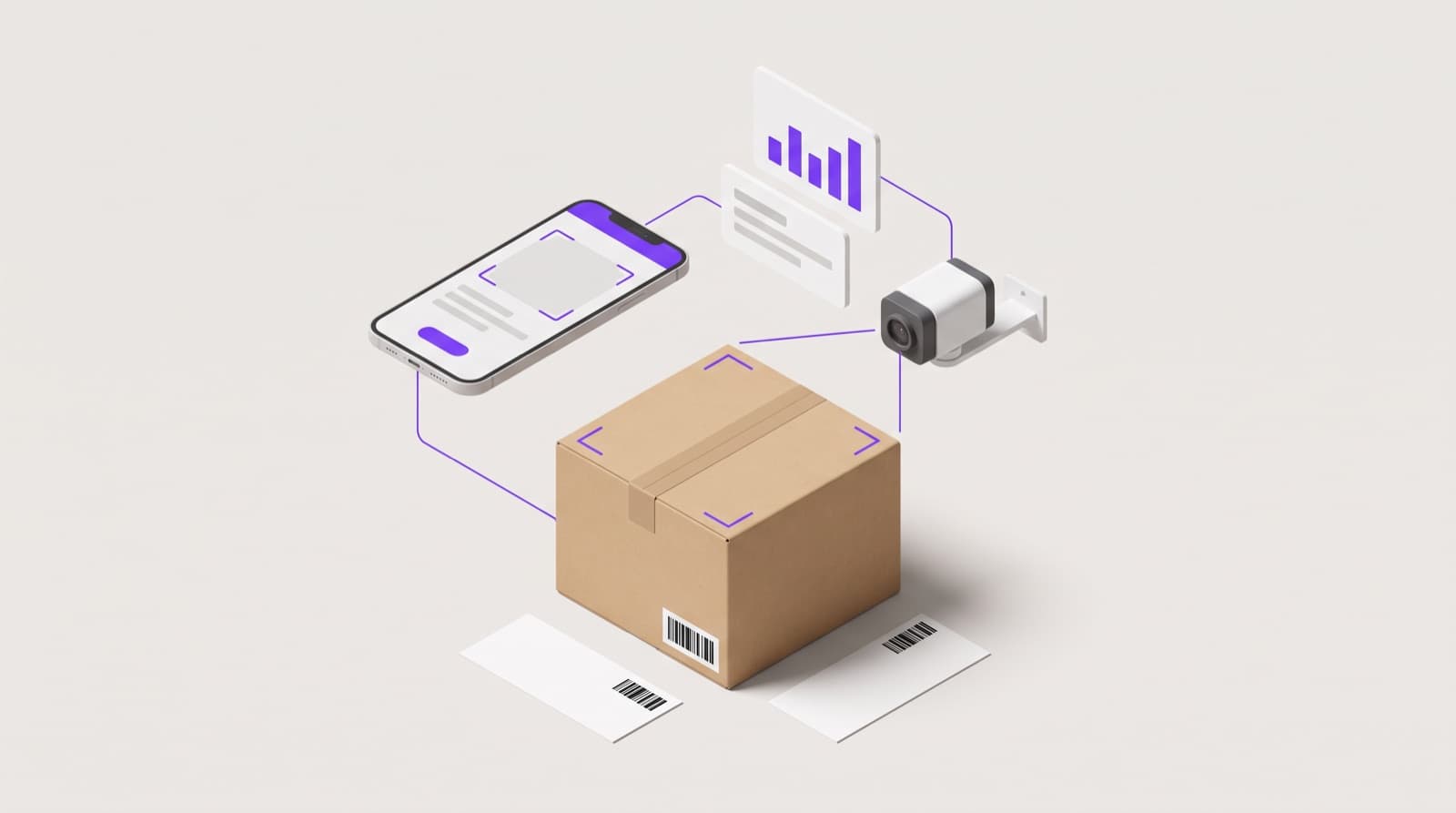
Inbound receiving software scans, categorizes, and routes mail to the right recipients, ensuring faster processing times. Businesses running automated intake report improved workflow efficiency, increased security, and lower operational costs. According to industry reports, companies that implement these systems reduce processing time by up to 60%, significantly improving productivity.
The volume alone makes the case. USPS processed and delivered an average of 361.1 million mailpieces every day in 2025, roughly 132 billion for the year. Manual sorting doesn't scale against numbers like that.
Along with accelerating workflows, AI automation also provides strong support for compliance and ensures accurate document tracking. Organizations handling sensitive data benefit from encrypted digital records and controlled access, minimizing security risks. By eliminating manual sorting and distribution, businesses reduce human error and ensure every document reaches its destination promptly.
With more companies adopting these solutions, digital intake is quickly becoming vital. Investing in the right technology allows businesses to maintain seamless communication, enhance security, and keep up with growing operational demands.
Key Features of Digital Receiving Solutions
Organizations looking to improve document handling and processing speed often turn to automated intake. The right system must align with existing workflows, reduce delays, and improve overall efficiency.
Below are the essentials to look for when selecting an automation service.
Smooth Integration with Existing Systems
A well-structured platform connects smoothly with enterprise resource planning (ERP) tools, customer relationship management (CRM) platforms, and document management systems. This compatibility eliminates manual intervention and speeds up information access.
Advanced Inbound Software Functionalities
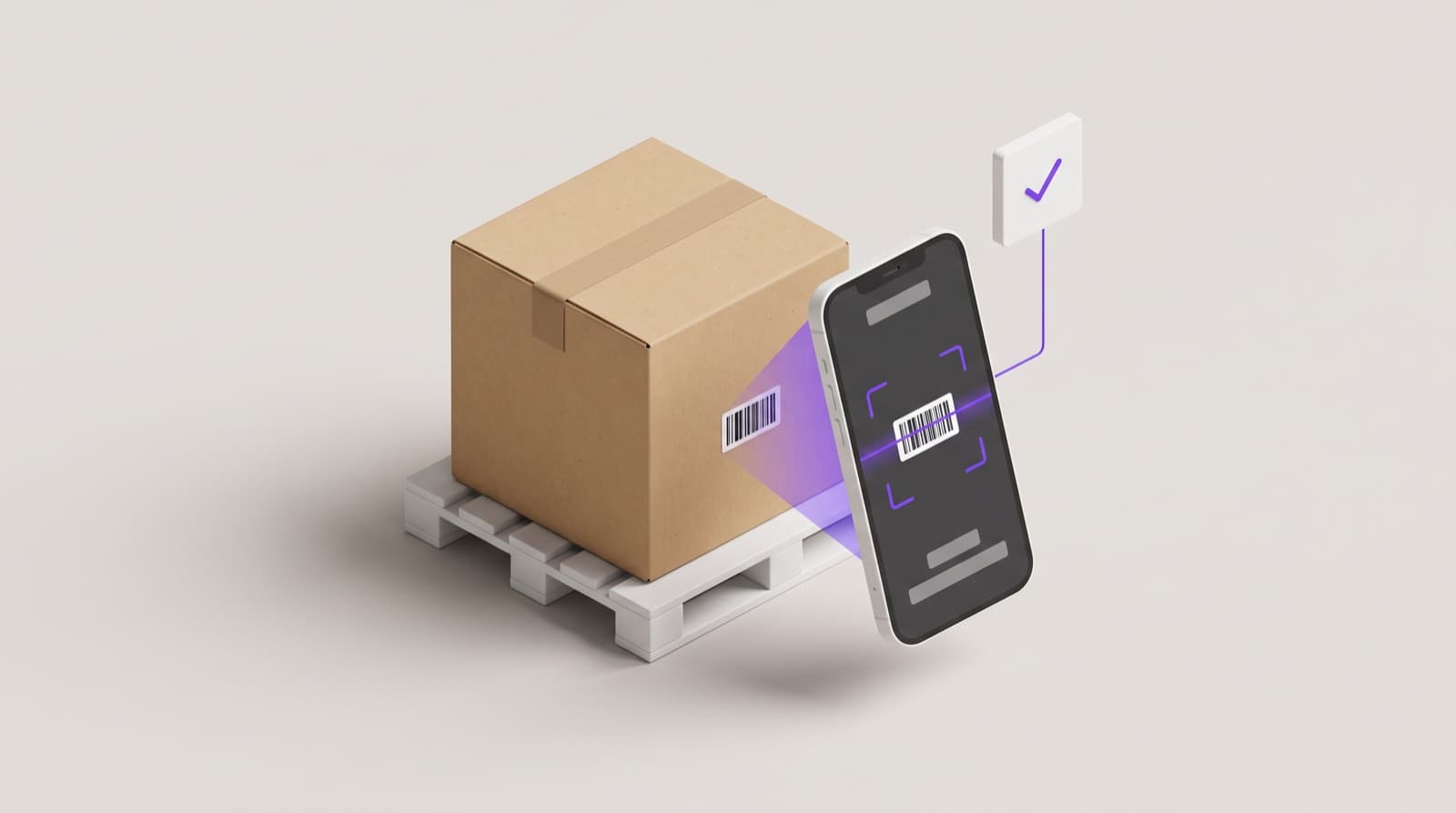
Inbound receiving software simplifies tracking, classifying, and distributing incoming mail. Features such as automatic categorization, barcode scanning, and real-time notifications ensure that items reach the right recipient without unnecessary delays.
The Role of Scanner Automation
Physical mail processing often slows down operations. Automated scanning converts paper-based documents into digital formats, making retrieval quicker and archiving more reliable. High-speed capture combined with optical character recognition (OCR) technology ensures accuracy and reduces misplacement risks.
Optimized Workflow Automation
A structured workflow ensures that scanned documents follow a predefined path based on business needs. Automated routing sends critical correspondence to the relevant departments, reduces bottlenecks, and strengthens compliance measures. This approach improves response times and minimizes lost or overlooked documents.
Building an automation strategy around these features creates a more efficient document-handling system, reduces administrative burdens, and supports better decision-making across teams.
Implementing Digital Receiving Automation: Best Practices
Switching from a traditional setup to an AI-automated system improves efficiency and reduces manual processing errors. A well-structured approach ensures a smooth transition.
Steps to Move from Traditional to Digital Operations
Start by assessing current workflows and identifying pain points in handling inbound and outbound mail. Organizations should digitize paper-based processes to streamline sorting, OCR scanning, and document distribution. Cloud-based storage helps manage records securely while making retrieval faster.
Choosing the Right Automation Services
Selecting the right provider depends on integration capabilities, scalability, and compliance features. A strong automation service should support AI-powered data extraction, innovative management, and real-time tracking to improve efficiency. Ensuring compatibility with existing enterprise systems avoids disruptions in workflow.
The Role of a Unified Platform
A centralized system eliminates inefficiencies caused by fragmented processes. Running all document routing through one platform lets businesses manage physical and digital mail from a single interface, reducing processing times and improving security.
Organizations that invest in structured automation benefit from lower operational costs, improved compliance, and faster document handling. A well-planned transition makes mail processing more reliable and supports long-term growth.
Benefits of Digital Inbound Receiving
A well-planned digital solution streamlines receiving operations and resolves key challenges by offering these benefits.
Fewer Errors, Faster Processing
Traditional mail management is time-consuming and open to mistakes. Automation reduces human intervention, ensuring that incoming correspondence reaches the right recipient without delays. By using AI-driven sorting and intelligent character recognition, businesses can reduce errors by up to 90%.
Lower Costs, Higher Security
Automating intake eliminates unnecessary paper handling, leading to a significant reduction in labor costs. Businesses commonly report saving up to 30% on operational expenses after making the switch. Additionally, AI-driven automated tracking and encryption ensure sensitive documents remain protected, reducing the risk of data breaches.
Adaptable to Business Needs
No two organizations handle mail the same way. Customizable workflows let businesses match the system to their specific requirements. Whether dealing with invoices, legal paperwork, or customer correspondence, an automated setup can streamline the process. Many organizations now prefer SaaS-based platforms, which offer scalability and easy integration with existing systems.
Cloud-Based Accessibility
A cloud-based system makes documents accessible from anywhere. This is particularly useful for companies with remote teams or multiple locations, ensuring mail reaches the right people no matter where they are.
By digitizing inbound receiving, businesses can cut costs while keeping workflows efficient and adaptable.
Overcoming Common Implementation Challenges
Rolling out automation comes with its share of obstacles. Businesses often face integration issues when shifting from traditional processes to automated systems. Legacy software may not align with modern platforms, leading to workflow disruptions.
To address this, organizations should prioritize software that connects seamlessly with existing tools. A phased implementation can prevent disruptions, allowing teams to adjust gradually. Comprehensive training programs help employees become comfortable with automation, improving efficiency.
Security concerns also arise when handling sensitive documents digitally. Choosing a solution with encryption and access controls can safeguard information. Cloud-based platforms provide additional security and scalability, making them a reliable choice for businesses handling high volumes of mail.
A well-planned transition minimizes disruptions and ensures long-term efficiency across inbound receiving and outbound mail.
The Future of Digital Inbound Receiving
AI and machine learning are transforming how businesses process incoming mail, reducing delays and minimizing errors. Automated document imaging ensures data is instantly accessible, making workflows more efficient. As campus receiving automation advances, companies will see improved security and faster document routing. Cloud-based deployment is also becoming the preferred choice, allowing for more flexibility and scalability.
Businesses looking to streamline intake need solutions that integrate AI-driven automation with smart document handling. With companies increasingly shifting toward digital processes, platforms like PackageX are making it easier to manage inbound receiving with greater accuracy and efficiency.
Why PackageX Is the Right Choice for Inbound Receiving Automation
Switching to automated intake requires a solution that is reliable, efficient, and scalable. PackageX delivers industry-leading automation with AI-powered mail processing, seamless document routing, and real-time tracking. The platform eliminates errors, reduces costs, and enhances workflow visibility.
Whether handling inbound receiving, processing documents, or optimizing logistics, PackageX provides a unified platform that adapts to business needs. Companies looking for a smarter, faster, and more secure way to manage their mail can count on PackageX to provide the technology and expertise to transform operations.
FAQs
What are digital inbound receiving services?
Digital inbound receiving services automate mail processing by digitizing incoming documents, enabling efficient management, and streamlining workflows with cloud-based solutions.
What is inbound receiving automation?
Inbound receiving automation uses software to scan, classify, and route mail digitally, reducing manual handling and improving document imaging and workflow automation.
What does an inbound receiving team handle?
An inbound receiving team manages the intake, sorting, and distribution of physical and digital mail, using automation to improve efficiency and security.