Every manufactured product is built from a recipe. Skip an ingredient, get the quantity wrong, or hand a stale recipe to the kitchen, and the dish falls apart. In manufacturing, that recipe is the bill of materials (BOM), and poor BOM management causes the same chaos at an industrial scale: stockouts, overstocking, rework, and production delays.
Investment in better BOM tools is rising fast. The global bill of materials (BOM) software market is set to grow from USD 9.64 billion in 2025 to USD 10.24 billion in 2026 at a 6.2% CAGR. This guide covers the BOM management process, types, software, common mistakes, and best practices to keep your finished product on schedule.
Key Takeaways
• Bill of materials management organizes every part, sub-assembly, and raw material needed to build a product into a single source of truth. • The main BOM types are Engineering (EBOM), Manufacturing (MBOM), and Service BOM, often structured as multi-level indented hierarchies. • Version control, centralized data, and standardized naming are the three non-negotiable practices for accurate BOM management. • Investment in BOM management software is climbing, with the global market projected to grow from USD 9.64 billion in 2025 to USD 10.24 billion in 2026. • PackageX closes the BOM execution loop with Vision AI scanning that validates incoming components against BOM specs at the dock.
What Is Bill of Materials Management?
Bill of materials management is the process of creating, organizing, tracking, and controlling all parts, assemblies, and raw materials needed to build a product. The BOM lists every component with its part number, description, quantity, unit of measure, and place in the assembly hierarchy.
A complete BOM contains part numbers, descriptions, quantities, units of measure, supplier references, lead times, and the parent-child relationships that define the BOM hierarchy. The same component appears once, with a unique number, no duplicates.
BOM management is the bridge between design, procurement, and production. Engineers define what the product is. Procurement orders the materials. Production builds the finished product. A well-managed BOM keeps all three teams aligned on a single source of truth, which is the foundation of good manufacturing inventory management and on-schedule production.
Why BOM Management Matters
Here’s why good BOM management is a necessity:
- Prevents over-purchasing: Basing procurement on real BOM demand keeps cash from sitting in raw material stockpiles.
- Reduces material waste: Accounting for scrap and yield in every quantity stops the slow drain of unused inputs.
- Speeds time-to-market: Design, sourcing, and production teams work from the same data at the same time.
- Supports traceability: The BOM shows exactly which lots and suppliers fed into any batch when a defect surfaces.
- Simplifies compliance: Inventory audit trails are built into the data instead of reconstructed from spreadsheets.
- Enables scalability: Clean BOM data lets growth happen without traceability turning into chaos.
Types of Bills of Materials
BOM types vary by stage in the product lifecycle. Three are essential for most manufacturing operations:
- Engineering BOM (EBOM): Defines the product as designed. Built during the design phase, often from CAD or EDA tools. Lists components and assemblies as engineers structured them.
- Manufacturing BOM (MBOM): Defines the product as built. Adds packaging, consumables, adhesives, labels, tooling, and work instructions absent from the EBOM. Components may appear in different locations than the EBOM because they get installed at different stations.
- Service BOM: Covers replacement parts and assemblies for field repairs. Includes installation steps and repair instructions for after-sales service teams.
Other common BOM types include sales BOMs (for configurable products in quotes), configurable BOMs (for products with customer-specified options), and modular BOMs (for product families with shared sub-assemblies).
The Bill of Materials Management Process
The bill of materials management process is the sequence of steps that takes a BOM from design draft to production-ready, audited record. Eight steps drive a clean BOM workflow:
1. Establish BOM requirements: Define the finished product, every sub-assembly, every raw material, and every packaging item. Include scrap and yield assumptions.
2. Build a structured, multi-level BOM: Use an indented hierarchy to show parent-child relationships. Assign part numbers, units of measure, supplier references, and lead times.
3. Implement version control: Every revision gets a number, an owner, and an effective date. Old versions stay archived, never deleted.
4. Standardize naming conventions: The same component must have one name and one part number across every BOM, every team, every system.
5. Centralize data: Store the BOM in a system that every team accesses through the same interface. No siloed spreadsheets.
6. Set access controls: Engineers edit. Buyers view. Production reads. Role-based permissions prevent accidental changes.
7. Collaborate across teams: Run cross-functional BOM reviews before release. Procurement validates supplier options. Manufacturing confirms assembly feasibility.
8. Audit and apply continuous improvement: Annual BOM checks catch obsolete inventory early, and Engineering Change Orders (ECOs) record every revision.
Version control, centralized data, and hierarchy maintenance are the three steps that separate good BOM management from bad. Skip any of them, and the rest of the process breaks down.
Bill of Materials Inventory Management
BOM data drives materials planning. Every component listed in the BOM gets a reorder point, a safety stock level, and a lead time. The system uses BOM consumption rates to forecast demand, trigger purchase orders, and prevent stockouts. Accurate BOM data is the foundation of accurate real-time inventory visibility. When BOM quantities are wrong, every downstream number is wrong too. Overstocking, stockouts, and rush orders all trace back to the same root cause.
Software Bill of Materials (SBOM) Management
A software bill of materials (SBOM) lists every component and library used inside a piece of software. It is the cybersecurity equivalent of a manufacturing BOM. CISA and NIST require SBOMs for federal software procurement, and they are now a baseline expectation in enterprise security reviews. SBOM management is distinct from manufacturing BOM management, with its own tools, formats, and compliance frameworks.
Bill of Materials (BOM) Management Software
Bill of materials (BOM) management software is the system of record for every BOM in the business. Industry surveys suggest nearly half of manufacturers still manage BOMs in spreadsheets, which is the single biggest driver of BOM errors, weak traceability, and slow change cycles. Modern BOM software replaces the spreadsheet entirely.
Good BOM management software handles four core jobs:
- Version control: Track every revision with owner, date, and approval trail.
- Real-time sync: Pull live data on supplier pricing, lead times, lifecycle status, and inventory levels.
- Hierarchy visualization: Show multi-level BOMs in an indented, navigable tree.
- Traceability: Tie every finished product back to its lots, suppliers, and revisions for recalls and audits.
When choosing a bill of materials management system, weigh ERP and MRP integration, change-management workflow, role-based access controls, audit-trail depth, and scalability for new product lines. The PLM, ERP, and BOM tools must communicate with each other via APIs or shared data layers.
Standalone BOM tools work for small teams. ERP-integrated BOM modules win at scale because they natively connect to procurement, inventory, and finance. Most growing manufacturers move from standalone to integrated within two or three years of adopting their first BOM platform.
Common BOM Management Mistakes to Avoid
Five pitfalls undermine BOM accuracy across operations of every size:
- Too many editors with no access controls: Open-edit BOMs guarantee inconsistencies. Set role-based permissions.
- No version control: Without revision tracking, teams work from outdated BOMs and rework piles up.
- Inconsistent naming conventions: The same part with two names creates duplicate purchase orders and stockouts on phantom SKUs.
- Siloed spreadsheets: Each team maintaining its own BOM copy guarantees the copies drift apart. Centralize the master record.
- Skipping regular audits: BOMs become stale as parts reach end of life. Run an annual BOM health check to flag obsolete components before they cause line stops.
BOM Management Across the Product Lifecycle
A BOM is not a one-time document. It is a living record from design through after-sales service. The same BOM informs warranty work, spare parts, recalls, and end-of-life decisions. Bill of materials asset management treats the BOM as a long-term asset tied to product lifecycle management (PLM), with revisions and traceability maintained for years after the first unit ships.
How PackageX Closes the BOM Execution Loop
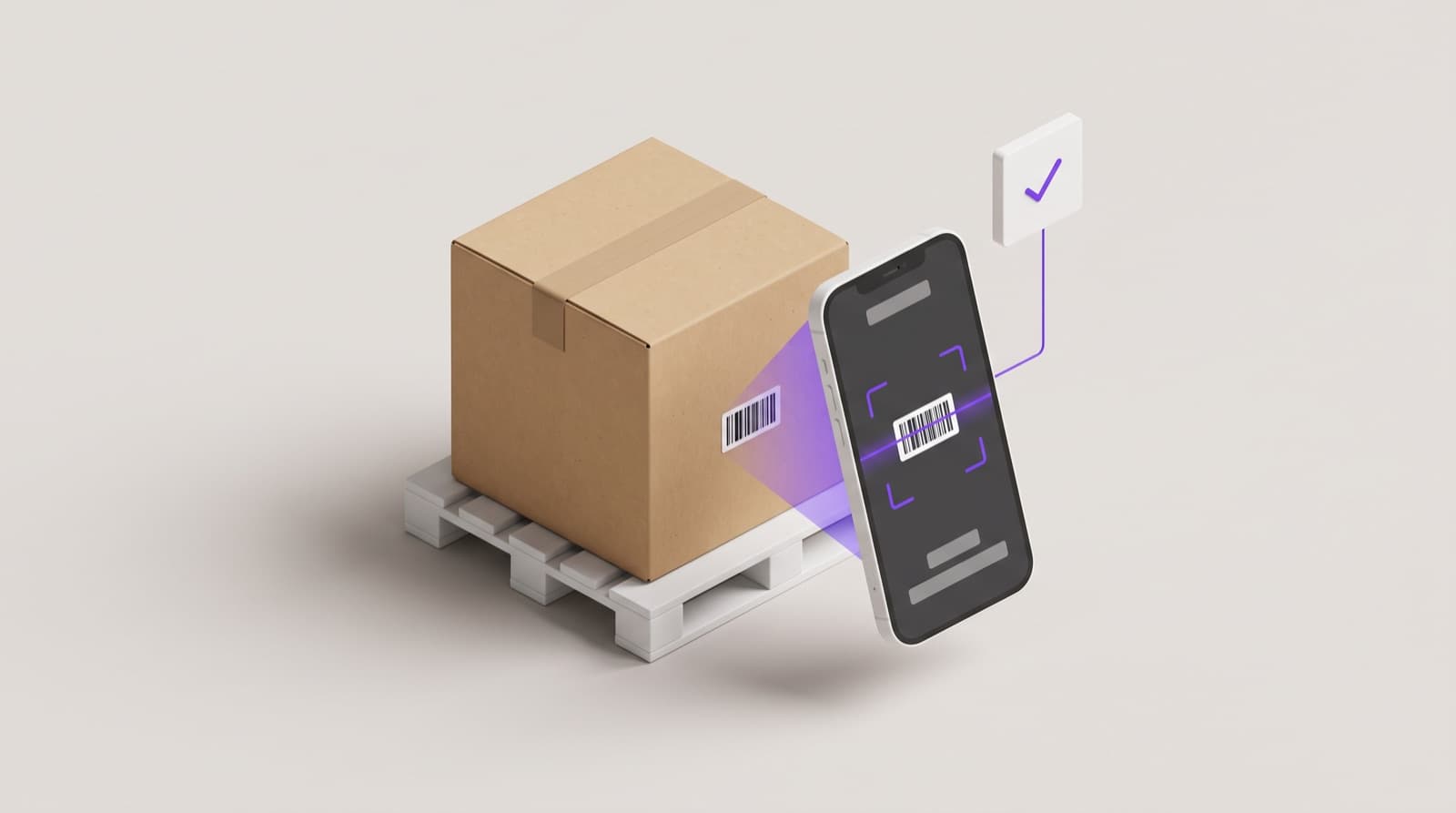
A BOM is only as good as the materials that actually arrive at the dock. PackageX adds AI-powered scanning and exception management at receiving, ensuring the captured data matches what the BOM called for. Vision AI scanning reads part numbers, lot numbers, invoice details, and supplier labels in real time, then feeds that data into your existing systems:
- Vision AI Scanning: Capture part numbers, lot numbers, and label data at intake without manual barcode entry.
- On-screen accuracy verification: Workers verify scanned data on screen before it commits to the system.
- Damage detection and exception alerts: The AI flags damaged packaging and triggers downstream workflows, such as put-away or cross-docking.
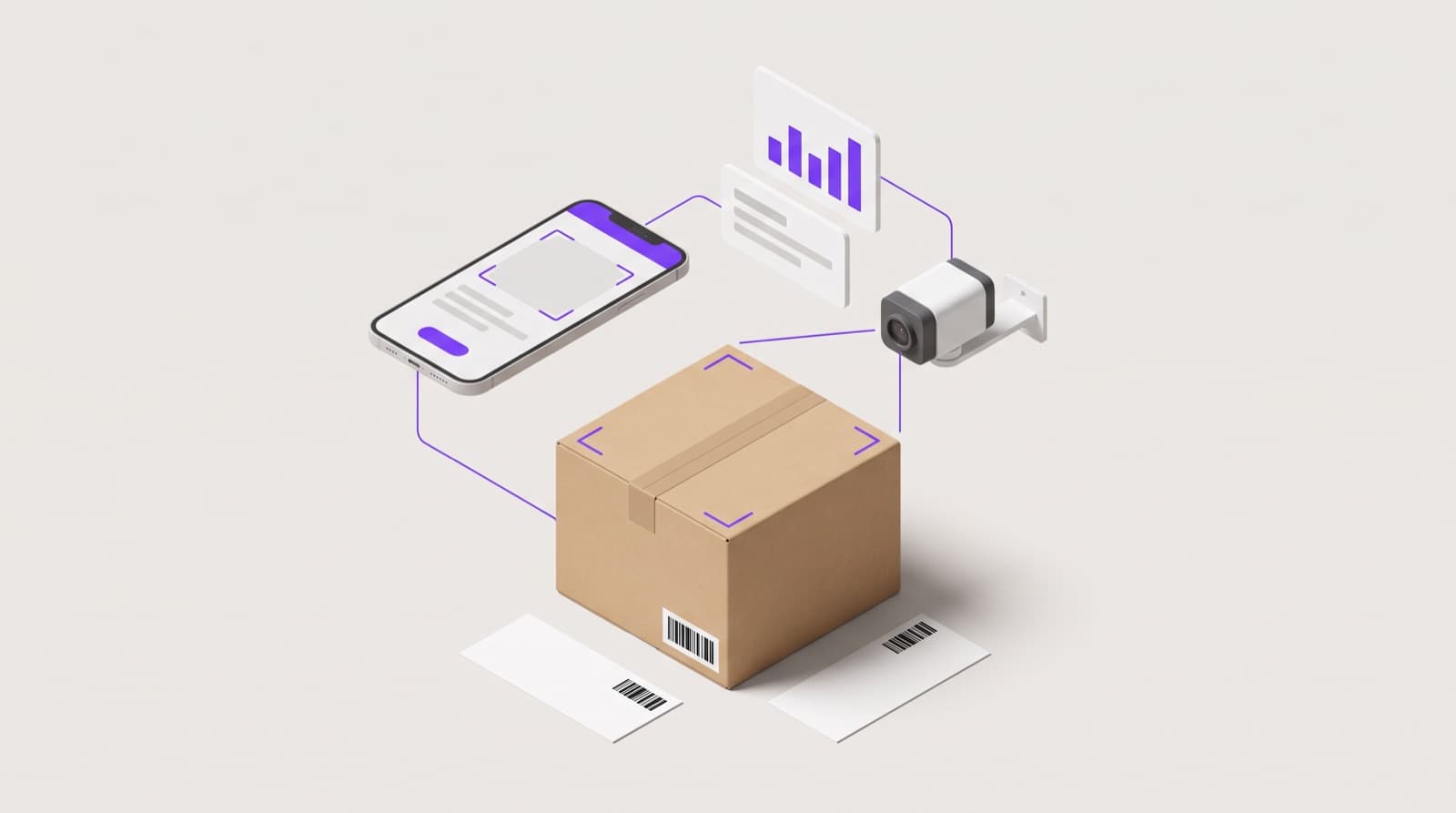
- ERP and WMS integration: Receiving data flows into your existing BOM, ERP, and inventory systems through APIs and webhooks for the actual BOM comparison.
PackageX scales from single plants to multi-site networks, protecting the integrity of every BOM by feeding clean receiving data into the systems that maintain the master record.
Frequently Asked Questions
What is the difference between EBOM and MBOM?
EBOM (Engineering BOM) defines the product as designed by engineering, usually from CAD models. MBOM (Manufacturing BOM) defines the product as-built, including packaging, consumables, tooling, and work instructions. A component in the EBOM may appear in a different location in the MBOM because it gets installed at a different station.
Does a BOM include labor?
A standard BOM lists materials, components, and packaging, not labor. Labor is usually tracked separately in routing documents or production work instructions. Some advanced BOMs include labor estimates per assembly step, but this is the exception, not the norm.
What is the difference between a BOM and a BOQ?
A BOM (bill of materials) lists components, quantities, and assemblies for a manufactured product. A BOQ (bill of quantities) lists labor, materials, and quantities for a construction project. BOMs are common in manufacturing. BOQs are common in construction and civil engineering.
Conclusion
Bill of materials management is the foundation of every efficient manufacturing operation. If done right, it reduces material waste, prevents stockouts, accelerates time-to-market, and builds the traceability customers and regulators expect.
The biggest gains come from centralizing BOM data, enforcing version control, and tying the BOM to receiving, inventory, and production systems through modern software. Manufacturers that invest in disciplined bill-of-materials management see the payoff in margins, speed, and customer trust.