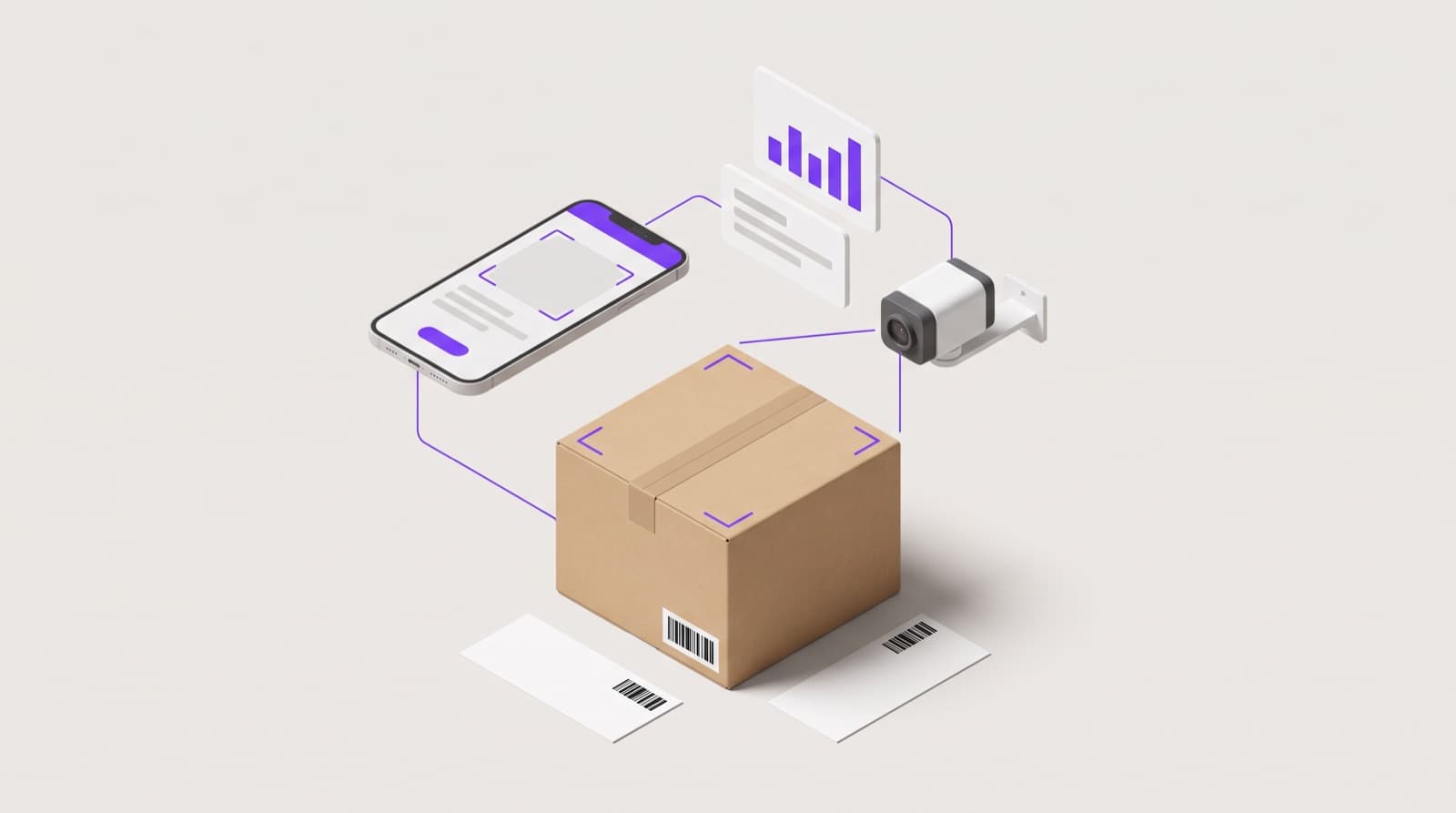
In any warehouse, the real work begins when inventory hits the dock. From that moment, every hour counts. Dock to stock refers to the movement of goods from the receiving dock into storage, where they are scanned, recorded, and made available for sale. The full dock to stock meaning goes beyond unloading boxes. It covers inspection, system updates, and final putaway inside the warehouse.
Most operations complete this within four to forty-eight hours. Faster facilities aim for same-day processing to support ecommerce fulfillment and prevent stockouts. The dock-to-stock flow directly impacts order accuracy, shipping speed, and cash flow.
As inbound logistics grows more complex, investment is rising. The cross-docking services market is projected to reach USD 6.27 billion in 2025 and grow to USD 9.43 billion by 2032 at a 6% CAGR. Clear processes and tight execution make dock to stock in warehouse operations a competitive advantage.
Key Takeaways
• Dock to stock time impacts revenue and fulfillment speed. Faster processing means quicker sales, fewer stockouts, and better customer satisfaction. • A structured inbound process improves accuracy. Receiving, inspection, scanning, and putaway must be tightly managed to avoid delays and errors. • Dock to stock cycle time is a critical KPI. Tracking it helps identify bottlenecks and improve warehouse efficiency. • Manual workflows slow operations. Labor gaps, paper logs, and poor layout increase delays and inventory mistakes. • Automation drives inbound performance. With real-time visibility and AI-powered verification, PackageX helps reduce dock-to-stock time and improve inventory accuracy.
What Is Dock to Stock?
Many warehouse managers ask the same question: What is dock to stock, and why does it matter so much?
At its core, the dock-to-stock definition is simple. It describes the time and process required for inventory to move from the loading dock to its storage location, where it is recorded in the warehouse management system and is ready for sale. The clock starts when goods arrive at the facility. It stops when those items are scanned, stored, and marked as available in the WMS.
In warehouse operations, dock to stock time simply refers to how long it takes for inventory to move from arrival to being available for sale. If a shipment arrives at 9 a.m. and is fully received, logged, and stored by 1 p.m., the dock to stock time is four hours. During that window, teams unload pallets, inspect cartons, verify SKUs, and update inventory records in the warehouse management system.
It is important not to confuse dock to stock in warehouse operations with stock to dock. Dock to stock covers inbound movement and storage. Stock to dock refers to outbound flow, where items move from shelves back to staging areas for shipping. One prepares inventory for sale. The other prepares it for delivery.
Why Dock to Stock Time Matters in Modern Supply Chains
Dock to stock time directly affects cash flow and working capital. You have already paid for the goods. Until they are available for sale, they generate no revenue.
Faster Time to Revenue
For e-commerce brands that promise one- or two-day shipping, every hour counts. A shorter dock to stock cycle time means products are ready to pick sooner. If a shipment arrives at 8 a.m. and is available in the system by noon, those units can go out the same day. If the process takes 48 hours, you risk delayed orders and unhappy customers.
Top-performing warehouses often complete the cycle in under four hours. Slower operations may take two days or more. That gap can decide whether you win or lose repeat business.
Preventing Stockouts
Delays also increase the risk of stockouts. When demand is high, even a one day delay in receiving inventory can leave shelves empty. That leads to missed sales and frustrated buyers.
Many companies track this using a dock to stock KPI. By measuring average processing time, managers can spot bottlenecks, adjust labor, and improve warehouse efficiency before small delays turn into bigger problems.
The Complete Dock to Stock Process in a Warehouse
The dock to stock process involves more than unloading boxes and putting them on shelves. In a busy facility, each step must be controlled and documented. When done right, dock to stock in warehouse operations keeps inventory accurate and orders moving without delay.
Here is how the process typically unfolds.
1. Receiving and Dock to Stock Delivery
The process begins the moment freight reaches the loading dock.
Key steps include:
- Freight arrival: Trucks arrive based on pre-set appointment scheduling to avoid dock congestion. During peak seasons, this planning prevents long wait times.
- Bill of Lading review: The driver provides a bill of lading that outlines shipment details, quantities, and destination.
- ASN verification: An advanced shipping notice should already be in the system. This allows staff to compare expected SKUs and quantities before unloading begins.
- Unloading and staging: Forklifts or pallet jacks move goods to the receiving area for inspection.
A well-coordinated dock to stock delivery reduces idle time and speeds up the next steps.
2. Inspection and Verification
Once staged, the receiving team verifies the shipment carefully.
This includes:
- SKU checks: Confirming product codes match the purchase order or ASN.
- Damage inspection: Looking for broken packaging, crushed cartons, or tampered seals.
- Quantity confirmation: Counting cases or units to ensure the numbers match what was ordered.
For example, if 1,000 units were expected but only 950 arrive, the discrepancy is logged immediately. Catching issues early prevents inventory errors later in the fulfillment process.
3. Labeling, Scanning, and WMS Entry
After verification, products are entered into the system.
This stage includes:
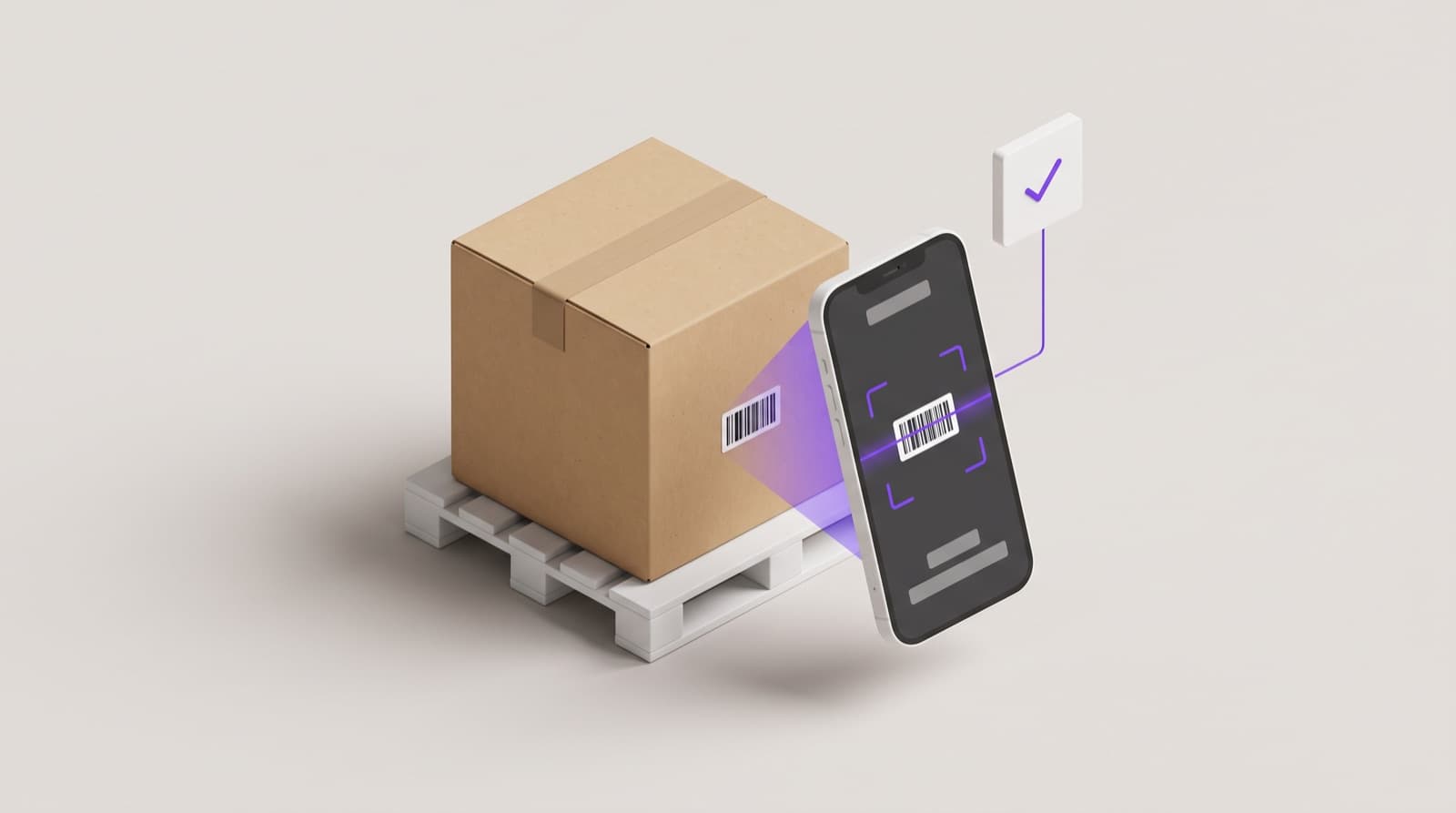
- Barcode scanning: Each carton or unit is scanned to create a digital inventory record.
- RFID tracking: Some larger warehouses use RFID tags for faster identification and real-time tracking.
- WMS integration: The warehouse management system records quantities, SKU details, and storage instructions.
This step ensures accurate inventory tracking and real-time stock visibility.
4. Put-Away and Inventory Update
The final stage completes the dock to stock cycle.
It involves:
- Bin or rack placement: Items are stored in assigned bins, pallets, or shelving locations based on SKU and demand patterns.
- Location confirmation scan: Products are scanned again when placed in storage to confirm their exact location.
- Final system update: The WMS updates the inventory status to available for sale.
At this point, the dock to stock process is complete, and the inventory is ready to support picking, packing, and shipping.
Dock to Stock Cycle Time: How to Measure and Calculate It
If you manage warehouse operations, one metric tells you a lot about efficiency. That metric is dock to stock cycle time.
In simple terms, it measures how long inventory takes to move from the loading dock to being available for sale in your system. The official dock-to-stock time definition warehouse teams use starts the moment freight arrives and ends when the inventory shows as available in the warehouse management system.
Start and End Points
To measure it correctly, you need two timestamps:
- Start time: When the shipment arrives at the dock and is checked in.
- End time: When the inventory is fully scanned, stored, and marked available in the WMS.
The basic dock to stock formula looks like this:
Dock to Stock Time = Inventory Available Timestamp – Arrival Timestamp
That number becomes a core dock to stock KPI for inbound performance.
Example Calculation
Let’s say a truck arrives at 8:00 AM. By 1:30 PM, all units are inspected, put away, and updated in the system.
Your dock to stock cycle time is 5.5 hours.
Warehouses that consistently stay under 4 hours are considered high performing. Once that number creeps toward 24 or 48 hours, delays begin to affect order fulfillment and inventory accuracy.
Tracking this KPI weekly helps identify bottlenecks in receiving, inspection, or putaway before they turn into bigger problems.
Common Challenges That Increase Dock to Stock Time
Even well-run facilities struggle with rising dock to stock time. A few common issues tend to slow things down inside a busy warehouse.
Labor shortages
When teams are short-staffed, trucks sit longer at the dock. Fewer hands mean slower unloading, delayed inspections, and backlogs in putaway. During peak seasons, this can stretch receiving timelines from a few hours to several days.
Manual processes
Paper logs and spreadsheets create room for error. If staff must key in SKU numbers by hand, mistakes happen. A missed barcode scan or delayed inventory update can stall the entire dock to stock in the warehouse workflow.
Poor warehouse layout
If warehouse receiving, staging, and storage zones are far apart, workers waste time walking inventory across the building. Inefficient slotting increases travel time and slows putaway.
Miscounted inventory
Counting errors lead to double-checking and recounts. That adds hours to inbound processing and affects inventory accuracy.
Inadequate WMS
Without a strong warehouse management system, real-time tracking becomes difficult. Teams lose visibility, and inventory control suffers.
How to Optimize Dock-to-Stock Processes
If you want to optimize dock-to-stock processes, start with visibility. A solid warehouse management system gives you real-time inventory tracking from the moment a shipment arrives. Instead of updating spreadsheets, your team scans items once, and the system handles the rest.
Barcode scanning and RFID reduce manual errors. For example, a mid-sized ecommerce brand that switched to handheld scanners cut receiving errors by nearly 30% within three months. Fewer errors mean faster putaway and smoother dock to stock delivery.
Vendor compliance also plays a big role. When suppliers follow labeling and packaging rules, your team spends less time fixing mistakes. Advanced Shipping Notices help even more. With an ASN, your warehouse knows what is arriving before the truck backs into the dock.
Cross-docking can shorten storage time for fast-moving products. Smart warehouse layout and clear aisle space reduce travel time. Labor planning ensures staff are scheduled during peak inbound hours.
Implementing a Dock to Stock Program
A strong dock to stock program relies on:
- Standardized receiving procedures
- Clear service level agreements
- Performance dashboards tracking cycle time
- Ongoing process reviews for continuous improvement
When teams follow the same steps every time, performance becomes predictable.
Dock to Stock vs Stock to Dock: What’s the Difference?
Dock to stock focuses on inbound inventory. Products arrive, are received, and placed into storage so they are ready for picking.
Stock to dock works in the opposite direction. It refers to moving items from storage to the shipping dock for outbound orders.
The confusion happens because both involve movement between storage and dock doors. The key difference is timing. One prepares inventory for sale, the other prepares it for shipment.
Should You Outsource Dock to Stock to a 3PL?
Outsourcing makes sense when dock to stock in warehouse operations starts slowing growth. If receiving delays push orders back or inventory accuracy drops, it may be time to look at a 3PL partner.
Many providers build a structured dock to stock program with clear service level agreements. Some guarantee dock to stock time within 24 to 48 hours. That predictability helps with planning promotions and restocking.
A 3PL also offers scalability. During peak season, they can add labor and warehouse space faster than most in-house teams. For growing ecommerce brands, that flexibility often outweighs the cost.
Optimize Dock-to-Stock Efficiency with PackageX
Here’s how PackageX transforms dock to stock in ecommerce from a manual receiving process into a controlled workflow that improves warehouse speed and inventory accuracy.
Real-Time Inbound Visibility:
Know exactly what arrives at your dock the moment it is unloaded. PackageX captures and digitizes shipment data during receiving, inspection, and putaway, helping you reduce dock congestion and shorten dock-to-stock time.
AI-Powered SKU Verification:
Automatically verify SKUs, quantities, and labels against purchase orders and ASNs. Instantly flag discrepancies or damaged goods before they create downstream inventory errors or fulfillment delays.
Seamless Workflow Automation:
PackageX integrates with your ERP and warehouse systems to eliminate manual entry, improve accuracy, and make products available for sale faster.