Receiving inventory is where inventory control truly begins. If inbound inventory is received incorrectly, every system that follows is already compromised. Stock counts drift. Products go missing. Teams lose trust in the numbers. No amount of reporting or forecasting can fix that.
Inventory receiving is the first real checkpoint in warehouse operations. It is where physical goods meet data. When items are counted, inspected, and recorded correctly at the door, inventory accuracy improves across the board. When they are not, errors ripple through fulfillment and stock control.
This is why strong receiving and inventory management matter more than many businesses realize. Retailers with poor receiving processes are far more likely to face stockouts or excess inventory, both of which tie up cash.
It also explains the growing reliance on technology. The inventory management software market was valued at USD 2.7 billion in 2026 and is projected to reach USD 9.4 billion by 2036, growing at a CAGR of 13%. Businesses are investing because accurate receiving sets everything else up for success.
In this guide, we will walk through the inventory receiving process step by step, including how software supports more reliable control.
Key Takeaways
• Receiving inventory is the foundation of inventory accuracy. Errors at this stage carry through fulfillment, reporting, and stock control. • The inventory receiving process includes purchase order verification, inspection, counting, labeling, storage, and system updates. Each step protects data integrity. • Clear inventory receiving procedures and SOPs reduce human error, improve accountability, and support audit-ready warehouse operations. • Inventory receiving software improves accuracy by automating PO matching, data capture, and real-time inventory updates. • Barcode scanning and AI-based data extraction help identify shortages, overages, and damaged goods before inventory is committed to stock. • PackageX strengthens inventory receiving by combining scanning, automated data extraction, and real-time system integration to keep inventory accurate from the moment goods arrive.
What Is Receiving Inventory?
Receiving inventory is the process of accepting inbound goods from suppliers. Checking them for accuracy and condition and recording them in your system so stock levels stay reliable. It is not limited to unloading boxes. It is the moment when goods receipt officially happens, and inventory becomes sellable or usable.
In the inventory receiving process, teams compare shipments against purchase orders, inspect for damage, confirm quantities, and move products into the right storage locations. This stage sets the tone for everything that follows. If data is wrong here, it stays wrong downstream.
It is important to separate shipping from receiving inventory. Shipping sends products out to customers. Receiving inventory process work brings products in. One generates revenue. The other protects it.
In modern supply chains, accurate receiving inventory also improves supply chain visibility, giving teams confidence in what they actually have on hand and where it sits.
The Inventory Receiving Process Flow (Step-by-Step Breakdown)
Below is a practical breakdown of the core inventory receiving procedures used in effective warehouse receiving and inventory handling operations.
Step 1: Prepare & Verify the Purchase Order
Every successful receiving workflow starts before the truck arrives.
The purchase order, or PO, sets expectations. It lists what you ordered, how much you expect, and sometimes where items should be stored once received. Before unloading begins, staff should have the PO ready and reviewed.
Key actions at this stage include:
- Confirming product names, SKUs, and quantities on the PO
- Checking delivery dates and supplier details
- Flagging any partial shipments or backordered items
This step is often handled by inventory receiving specialists. Their job is to know the PO inside and out so incoming shipments can be matched quickly and accurately. When shipments arrive without a PO, error rates rise fast. Missing items, overages, and pricing issues often go unnoticed until it is too late to fix them easily.
Step 2: Receive, Inspect, and Count Inventory
Once the shipment is unloaded, the physical checks begin.
Start by comparing the packing slip to the PO. Count each item and verify quantities. Even trusted suppliers make mistakes. A short count of just 2% can quietly turn into stockouts weeks later.
During this step, teams should:
- Perform quantity verification against the PO
- Inspect cartons and products for visible damage
- Note discrepancies such as missing, extra, or damaged items
Quality checks matter. Damaged goods that slip through receiving often end up returned by customers, which costs far more than catching the issue at the dock. Any discrepancies should be recorded and reported immediately to the supplier.
Step 3: Label, Store, and Update Inventory Records
After inventory is verified, it needs to be made usable.
Items should be labeled or barcoded so they can be tracked accurately. Proper bin placement supports stockroom organization and reduces picking errors later. Random storage slows order fulfillment and increases miscounts.
Final steps include:
- Applying barcodes or internal labels
- Placing items in assigned bins or storage locations
- Updating inventory systems to reflect received quantities
Once system updates are complete, the receiving inventory process is officially finished. At that point, inventory is visible and ready to sell or ship.
Inventory Receiving Procedures & Best Practices
Strong inventory receiving procedures keep warehouses running smoothly. Without clear rules, even experienced teams can make mistakes that lead to inventory mismanagement or compliance issues.
Create Standard Operating Procedures (SOPs)
Documented standard operating procedures (SOPs) ensure every shipment is handled the same way, regardless of who is on shift.
Your SOPs should clearly define:
- How shipments are checked against purchase orders
- When and how inventory is inspected for damage
- Where received items are staged, labeled, and stored
- How and when inventory records are updated
This structure supports warehouse shipping receiving inventory control by creating a repeatable process that is easy to audit.
Reduce Human Error at the Dock
Human error is one of the most common causes of inventory inaccuracies. Counting mistakes, skipped inspections, or rushed data entry can ripple through your entire inventory system.
To improve error reduction:
- Separate receiving, counting, and system entry tasks
- Use checklists at the receiving dock
- Require sign-offs before inventory is marked as received
These steps are simple, but they play a big role in enhanced inventory receiving.
Build Audit-Ready Receiving Workflows
An audit-ready process makes compliance part of daily operations, not a last-minute scramble.
Maintain:
- Digital or physical receiving logs
- Time-stamped system updates
- Documented exception handling for damaged or missing goods
When receiving procedures are consistent and traceable, inventory accuracy improves and audits become far less disruptive.
Using Inventory Receiving Software to Improve Accuracy
Managing the flow of goods in a warehouse can get complicated quickly. Packages arrive at different times, shipments have different purchase orders, and manual tracking can lead to mistakes. That’s where inventory receiving software comes in. It helps businesses manage incoming stock with precision.
Modern shipping and receiving inventory software connects every part of the warehouse. From the moment goods arrive, the system can check them against purchase orders, record their arrival, and update inventory levels automatically. This reduces human error and ensures your stock counts are always up to date. Many systems also use barcode scanners, which makes scanning fast and eliminates mistakes caused by manual entry.
Key Features of Inventory Receiving Software
- PO matching: The software automatically compares incoming shipments with purchase orders, flagging discrepancies immediately. This prevents overstocking or missing items.
- Automated data entry: Instead of manually typing every item, the system logs quantities, SKU numbers, and location details. This saves time and keeps records accurate.
- Real-time stock updates: As soon as a product is scanned, the inventory management system updates. Managers and staff always know what’s on hand.
Shipping & Receiving Inventory Software for Warehouses
Warehouse teams benefit when inventory software integrates with other business systems. Connecting to accounting, ecommerce, or ERP platforms ensures that every update flows through the organization. Sales numbers, purchase costs, and stock levels stay in sync without double work.
Automation also streamlines receiving and inventory management. Staff can focus on checking for damaged goods, organizing shelves, and picking orders. With real-time inventory tracking, warehouses can quickly respond to stockouts or surges in demand.
For example, a retailer using integrated software can know instantly if a popular item has arrived and move it to the sales floor the same day.
Inventory Receiving Templates & Documentation Tools
Clear records make inventory receiving faster and more accurate. This is where an inventory receiving template becomes useful.
When to Use Receiving Templates
- High shipment volumes or frequent deliveries
- Multiple staff involved in receiving inventory
- Need for accurate receiving logs and traceability
What a Receiving Template Should Include
- Purchase order reference
- Item descriptions and quantities
- Condition checks and discrepancy notes
- Sign-off fields for accountability
Simple checklists help staff follow the same receiving steps every time, reducing errors and missed items.
Digital vs Manual Templates
Digital templates update inventory in real time and reduce paperwork. Manual templates still work for small operations but require extra documentation and data entry later.
Warehouse Receiving & Inventory Handling Challenges (and Solutions)
Warehouse receiving and inventory handling can look straightforward on paper. In reality, it is one of the easiest places for small issues to turn into costly problems.
Common challenges teams face
- Damaged goods discovered too late, after items are already logged into stock
- Missing inventory caused by rushed counts or unchecked deliveries
- Inaccurate inventory data when paperwork does not match what actually arrived
- Bottlenecks at the receiving area during peak delivery times
For example, a warehouse receiving multiple shipments in one morning may rush inspections to clear the dock. That often leads to incorrect counts and products entering the system with the wrong quantities.
How better processes and software help
- Clear receiving procedures slow things down just enough to catch errors early
- Inventory receiving software matches shipments to purchase orders in real time
- Barcode scanning reduces manual entry mistakes and speeds up inventory handling
When process and software work together, warehouses stay organized, inventory stays accurate, and receiving stops being a daily headache.
How Enhanced Inventory Receiving Improves Business Performance
Enhanced inventory receiving does more than move boxes off a dock. It directly shapes how smoothly your business runs each day.
Operational Accuracy
When receiving inventory is done right, teams spend less time fixing errors and more time moving products. Accurate counts at the door improve operational efficiency across purchasing, storage, and order processing. Fewer manual corrections also mean cleaner inventory data.
Reduced Stockouts
Accurate receiving helps reduce stockouts by ensuring inventory levels reflect what is actually on hand. When systems are updated correctly, fulfillment teams can pick and ship with confidence. Orders go out faster, and customers get what they expect, when they expect it.
Improved Customer Satisfaction
Improved fulfillment starts with accurate receiving. When inventory is reliable, customers face fewer delays, fewer backorders, and fewer cancellations. That consistency builds trust and keeps them coming back.
Optimized Inventory Receiving with PackageX
PackageX removes friction from inventory receiving by transforming everyday devices into intelligent, workflow-driven tools at the receiving dock.
Scan to Receive Inventory
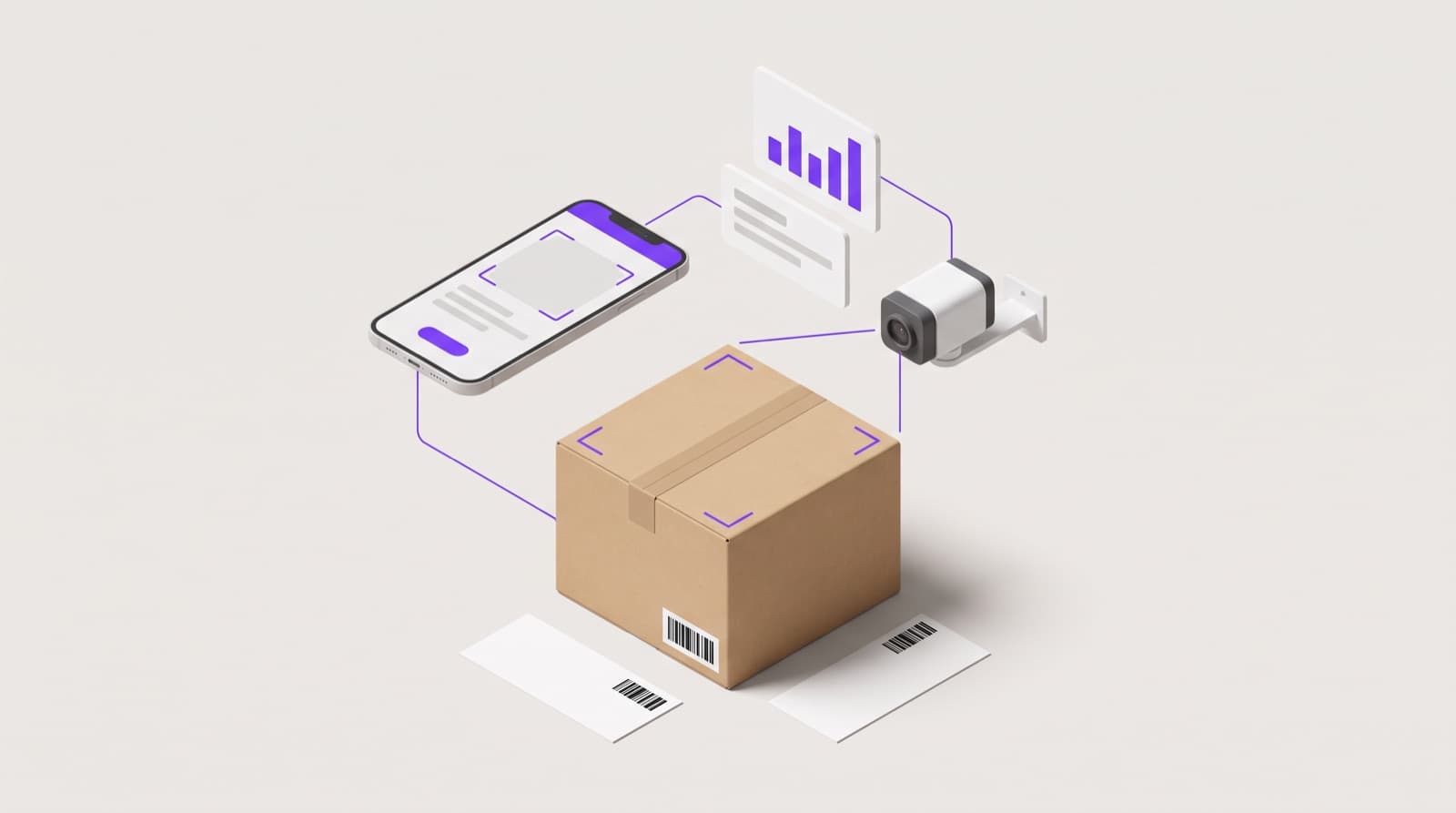
Warehouse teams use mobile devices or fixed cameras to scan shipping labels, cartons, and pallets as they arrive. PackageX captures SKU data, quantities, and supplier information automatically, reducing manual counting and data entry.
Automated Receiving Data Extraction
PackageX Vision AI digitizes inbound documents such as packing slips and bills of lading in real time. The system extracts quantities, item details, and condition indicators from image scans. Shortages, overages, and damaged goods are identified immediately, before inventory is committed to stock.
Real-Time System Integration
With an API-first architecture, PackageX connects directly to your WMS, ERP, or inventory management system. Verified inventory updates flow instantly across operations, purchasing, and finance teams. This ensures inventory accuracy from the moment goods are received and keeps downstream processes aligned without manual reconciliation.
FAQs
What is the purpose of receiving inventory?
The purpose of receiving inventory is to verify that incoming goods match purchase orders in quantity and condition before they are added to stock. Accurate receiving ensures inventory records stay reliable.
What are the main steps in the inventory receiving process?
The inventory receiving process includes preparing and reviewing the purchase order, unloading and inspecting shipments, counting and verifying quantities, checking for damage, labeling items, storing them in assigned locations, and updating inventory systems to reflect received stock.
How does inventory receiving software improve accuracy?
Inventory receiving software improves accuracy by automating PO matching, reducing manual data entry, and updating inventory levels in real time. Barcode scanning and AI-powered data extraction help catch errors early and ensure inventory records reflect what is actually received at the dock.